Build With AI
Claude Code Plan Mode: Why I Never Let Claude Build Before I Approve the Plan
The cheapest place to fix a mistake is a plan nobody has built yet. How I use plan mode, and the skill that checks every plan for me.
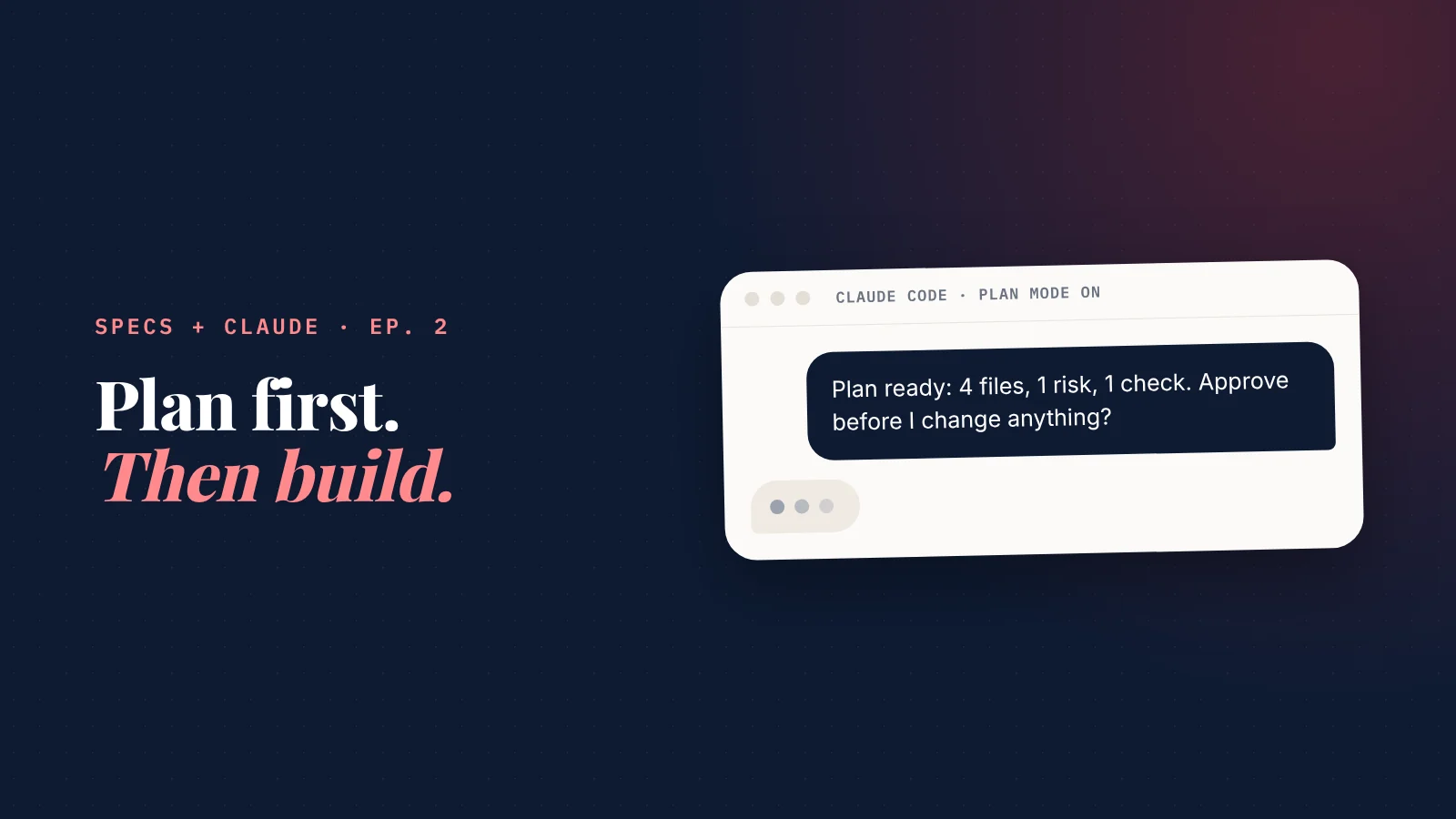
What is plan mode in Claude Code? A mode where Claude reads, researches and writes a plan, but can't change anything until you approve it.
It's the single habit that saved me the most rework.
This post covers how to turn it on, what to check before you say yes, and a planning skill you can copy.
This is episode 2 of Specs + Claude, a weekly series on building real products with Claude when you're not a developer (why specs beat vibe coding). Episode 1 covered the brief. This one covers what happens right after it.
The problem: Claude is fast at solving the wrong problem
Give Claude Code a task and it starts working immediately.
That's its strength. It's also the risk.
If it misread what you wanted, you find out after it has changed ten files. Now you're reviewing code you can't read, for a problem you didn't ask it to solve.
Anthropic's own guidance says it directly: "Letting Claude jump straight to coding can produce code that solves the wrong problem." (Claude Code best practices)
A plan fixes that. A plan is written in plain English. You can review a plan even if you can't read a line of code.
The method: explore, plan, approve, build
Four steps, in this order.
- Explore. Claude reads the files, pages and documents involved. Nothing changes.
- Plan. Claude writes down what it will change, in which files, and how it will check the result.
- Approve. You read the plan, push back, and say yes only when it matches what you want.
- Build. Claude does the work, following the plan you approved.
Explore, plan, approve, build
Plan mode enforces the first three. Nothing changes until you say yes.
Explore
Claude reads the files, pages and documents involved.
ClaudePlan
What it will change, where, and how it will check the result.
ClaudeApprove
You read it, push back, and say yes only when it matches.
YouBuild
Claude does the work, following the plan you approved.
Claude
Plan mode reads and plans, but does not edit your files until you approve.
Plan mode enforces steps 1 to 3. In plan mode, Claude "reads files, runs shell commands to explore, and writes a plan, but does not edit your source."
How to turn plan mode on
You don't need the terminal for this. Pick whichever matches how you use Claude Code:
- Desktop app, web or phone: choose Plan in the mode menu next to the message box.
- Terminal: press Shift+Tab until the status bar shows plan mode on.
- One message only: start your message with /plan.
- Always, for one project: a one-line setting makes every new session in that project start in plan mode. (Ask Claude to set `defaultMode` to `plan` for you.)
When the plan is ready, Claude asks how to continue. You can approve it, approve it but check each change yourself, or say "No, keep planning" and tell it what to fix.
In the terminal, Ctrl+G opens the plan in a text editor so you can rewrite any part of it before you approve.
The 6 questions I ask before I approve any plan
A plan that sounds confident isn't necessarily a good plan.
These six questions catch most problems, and none of them need technical knowledge:
- Does it solve the goal I wrote? Not a nearby goal. Mine.
- What will it change? Every file, page or setting. If the list surprises me, I ask why.
- What's the riskiest assumption? And how would we find out early that it's wrong?
- What could break that works today? And how will we check it still works?
- What's out of scope? Anything not in the plan shouldn't be touched.
- How will we know it's done? A check Claude can run, not "it should work".
6 questions before you approve a plan
None of them need technical knowledge.
Does it solve my goal?
Not a nearby goal. Mine.
What will it change?
Every file, page or setting. Surprises get a why.
What's the riskiest assumption?
And how would we find out early that it's wrong?
What could break?
What works today, and how we'll check it still does.
What's out of scope?
Anything not in the plan shouldn't be touched.
How will we know it's done?
A check Claude can run, not "it should work".
If Claude can't answer one of them clearly, the plan isn't ready. That's not a failure. That's plan mode doing its job.
For big plans, I go one step further and ask other AIs to attack the plan before Claude builds it. That's next week's episode.
Skills: write your planning habit down once
Asking the same six questions every time gets old.
The book
Plan it. Approve it. Then build it.
Build Your AI Platform teaches non-technical founders to build real products with specs and Claude. Chapter 1 is free.
- 29 chapters, five levels, step by step
- Three complete builds, start to finish
- Templates, checklists and a prompt kit
- Chapter 1 is free to read, in full

That's what skills are for. A skill is a short instruction file Claude reads when it needs it, or when you call it by name with a slash: `/plan-review`.
Anthropic describes them as the place for "repeated instructions, checklists, or multi-step procedures." And they cost almost nothing until they're used, because Claude only loads a skill's full text when it's needed.
A real example from building SiteNeuro
SiteNeuro runs on a handful of these. Two of them shape almost every task:
- `/prime` starts a session with only the files a task needs. SiteNeuro's code and specs are many times larger than what Claude can hold at once, so this skill makes Claude find the right few files and say what it has loaded before it touches anything.
- `/spec-sync` checks a change against the written specs and drafts the spec updates, so the plan and the product never drift apart.
Neither of them is clever. They're my habits, written down once, so I don't have to remember them on a busy day.
The planning skill: copy this
Ask Claude to save it as `.claude/skills/plan-review/SKILL.md` in your project. Then type `/plan-review` followed by your brief, ideally in plan mode.
---
name: plan-review
description: Turn a brief into a plan I can approve. Use before any change that touches more than one file or page.
---

Here is my brief: $ARGUMENTS

Read what you need first. Change nothing yet.

Then answer, in plain words:
1. The goal, in one sentence. If you can't, ask me.
2. Every file, page or setting you will change, and why.
3. The riskiest assumption, and how we find out early if it's wrong.
4. What could break that works today, and how we'll check it doesn't.
5. What is out of scope.
6. The check that proves it's done.

Then give me the plan in under 300 words.
Ask me anything unclear, one question at a time.
Don't change anything until I approve.
It pairs with the task brief template from episode 1: the brief says what you want, the skill turns it into a plan you can check.
When to skip the plan
Anthropic's rule of thumb is a good one: "If you could describe the diff in one sentence, skip the plan."
Change a phone number, fix a typo, rename a button: just ask.
Plan when:
- the change touches more than one file or page;
- you're not sure how it should work;
- a mistake would cost money, customers or a weekend.
New tool spotlight: approve the plan, then start fresh
A long planning conversation fills Claude's memory with ideas you rejected along the way.
Claude Code has a setting for that: clear the context when you approve a plan. Turn it on, and approving gets a new first option: accept the plan and start the build with only the plan in mind, not the whole debate that produced it.
Anthropic recommends the same pattern for big features: write the spec, "then start a fresh session to execute it." The setting just does it for you.
The 3 planning mistakes I see most
- Approving a plan you didn't read. If you approve on autopilot, plan mode is just a delay.
- Planning in your head. "I know what I want" isn't a plan. If it isn't written, Claude can't check against it, and neither can you.
- Never saying "keep planning". The first plan is a draft. Pushing back once usually makes it much better. (More on the mistakes that cost me the most time.)
Straight answers
What is plan mode in Claude Code?
How do I turn on plan mode in Claude Code?
What's the difference between plan mode and auto mode?
Can I edit the plan Claude writes?
What is a Claude Code skill?
Do I need plan mode for small changes?
 What is SiteNeuro?The AI growth platform for small businesses and entrepreneurs, starting with a website.See the sites it builds and the marketing it runs, in the showcase →Rated Excellent on Trustpilot
Building an AI platform?
I built SiteNeuro as a non-developer, with Claude and written specs: 1,000+ websites built so far.
If you're turning an idea into an AI product, I can help you shape the business case, set up Claude and your specs, and plan a first build that doesn't loop.